• The move to the new server is done. There are some software and database maintenance updates in process. This has us passing the hat around to help out. We appreciate any donations. Seriously, even a dollar helps. The payment page may be found here - https://www.audiokarma.org/support.html

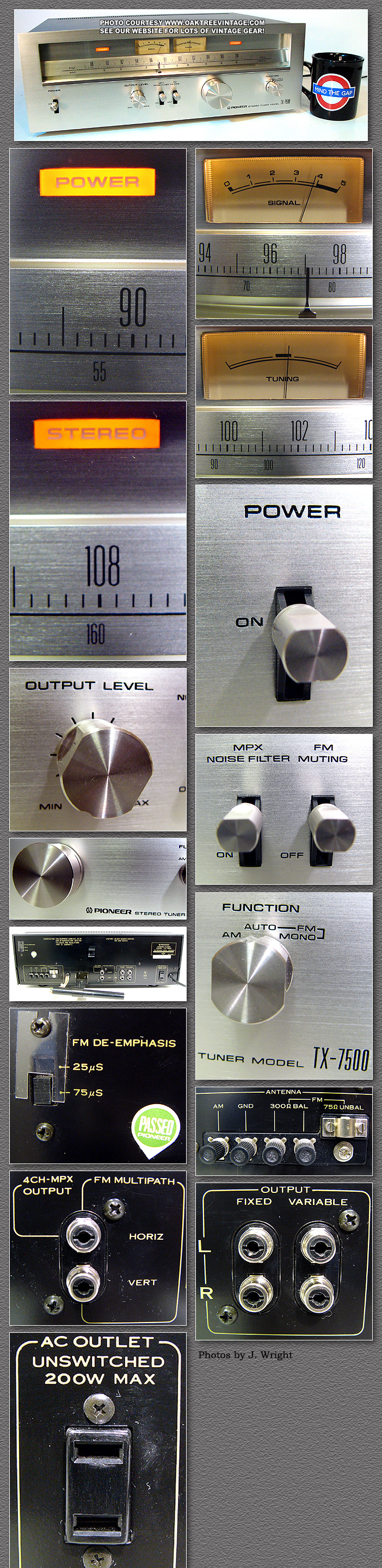
Radio Data System (RDS)and `fm 4ch out;H(DET OUT)`fm qadro out terminal "FM detector

vfd fan

Member
and find practical way to use this mpx output-is called in europe rds

in usa-rdbs

den its cool way to use this rds decoder connected to our famous output IF OUT
PHP:
http://www.youtube.com/watch?feature=player_embedded&v=Yn0QYVwc1tU
http://www.youtube.com/watch?v=4hoglvcMKPU&feature=player_embedded
attachment.php
attachment.php
attachment.php
RDS-Demodulator-Wetekom_slika_L_311276.jpg
images
Pioneer_TX-7500_Stereo_Tuner_Collage.jpg
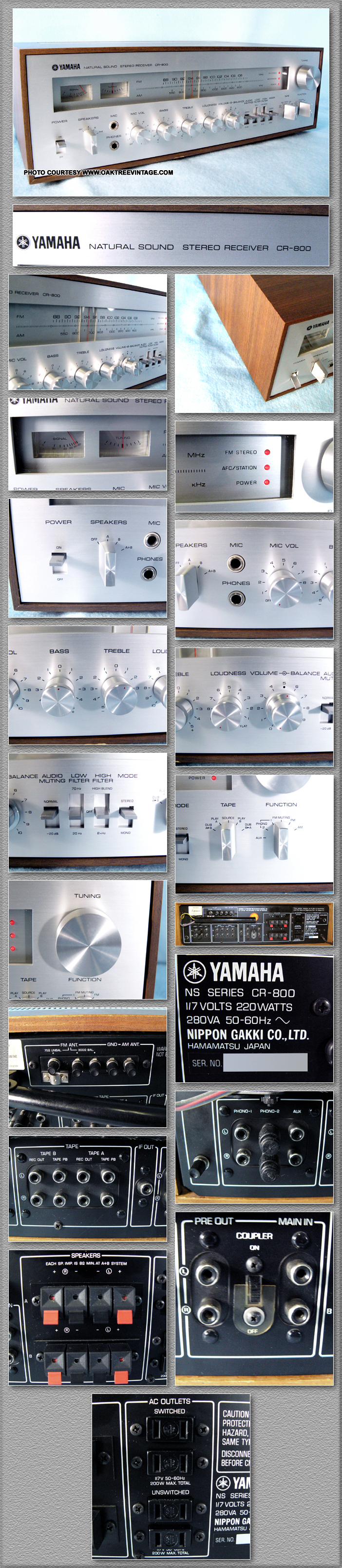
Yamaha_CR-800_Stereo_Receiver_collage.jpg
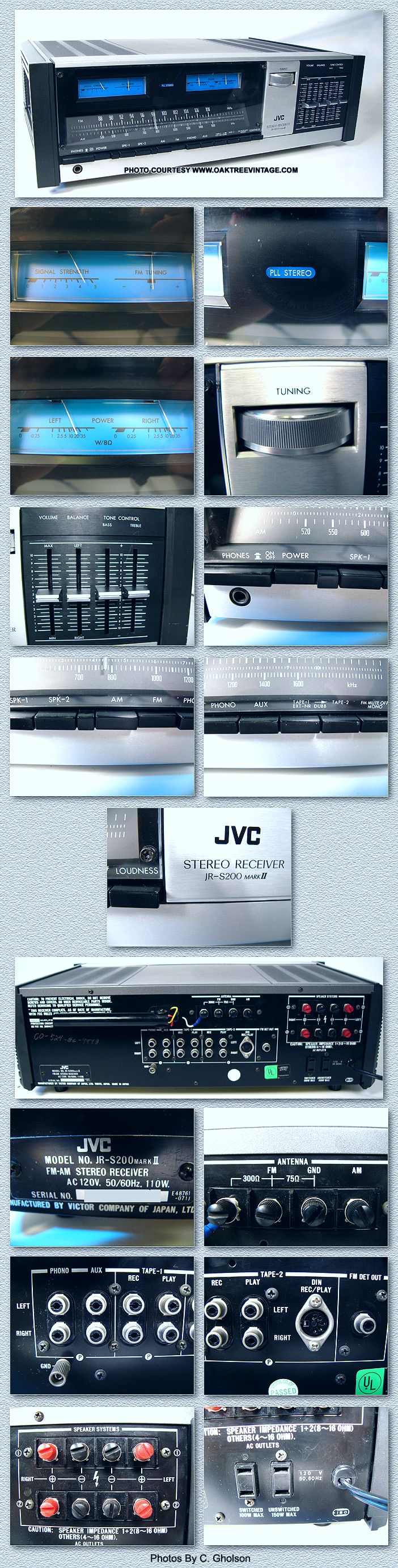
JVC_JR-S200_Mark_ll_Stereo_Receiver_collage.jpg
 
Last edited:
Register to hide this ad
RDS is used by many an FM station in the USA. You'd have to get your receiver modified to use that RDS demodulator. RDS is commonly used in Europe.
 
nope-cinch to cinch-is the scheme-from fm 4ch out;H(DET OUT)`fm qadro out terminal "FM detector female out to if in of the RDS demodulator.i mean DISCRI OUT on the first picture;etc:thmbsp:ITS ALL DONE
 
Last edited:
Still waiting for 4ch FM.....How would that even have worked with all the different quad LP systems?

And so it goes, I guess 3D TV is the next big thing consumers don't seem to particularly want.
 
Where can you get one of these add-on RDS units? Seeing the artist name and song titles is the only thing I miss running my old Scott tuner.
 
You might try raydee.com

click on the RDS link.

No affiliation...

For those that might want to DIY you can use the Thompson TDA 7730 ic and a handful of parts to make an RDS decoder. Then use RDS SPY freeware software to decode the RDS signal and display it on you computer.

RDS SPY is available at RDSPY.COM

No affiliation...

This software will use your serial port or your sound card, so it is very easy to implement.

I use a spare laptop and my Marantz 4270. I separated the display and the body of the laptop and just have the display (mounted in a picture frame) on top of the Marantz

Sample circuit below.

To use your sound card, you connect the clock and data pins to the left and right input respectively.

For 3.5mm 3 conductor plug it is tip=clock, ring =data and sleeve=ground for your sound card input. All is explained with documentation supplied with the software.

Hope this helps.
 

Attachments

  • RDS DECODEDR circuit.jpg
    RDS DECODEDR circuit.jpg
    22.4 KB · Views: 17
  • RDS SPY.gif
    RDS SPY.gif
    13.8 KB · Views: 29
$150 for a RDS readout? Oh well.. not THAT important. Thanks for the information though.

I can probably hook up a splitter and use the Sangean I have for RDS. Paid less than that for the Sangean, with RDS and HD too.
 
You might try raydee.com

click on the RDS link.

No affiliation...

For those that might want to DIY you can use the Thompson TDA 7730 ic and a handful of parts to make an RDS decoder. Then use RDS SPY freeware software to decode the RDS signal and display it on you computer.

RDS SPY is available at RDSPY.COM

No affiliation...

This software will use your serial port or your sound card, so it is very easy to implement.

I use a spare laptop and my Marantz 4270. I separated the display and the body of the laptop and just have the display (mounted in a picture frame) on top of the Marantz

Sample circuit below.

To use your sound card, you connect the clock and data pins to the left and right input respectively.

For 3.5mm 3 conductor plug it is tip=clock, ring =data and sleeve=ground for your sound card input. All is explained with documentation supplied with the software.

Hope this helps.
:thmbsp::thmbsp::thmbsp:
PLEASE give me video clip with connection and the WORKING display
THANKS:yes:
 
Back
Top Bottom